
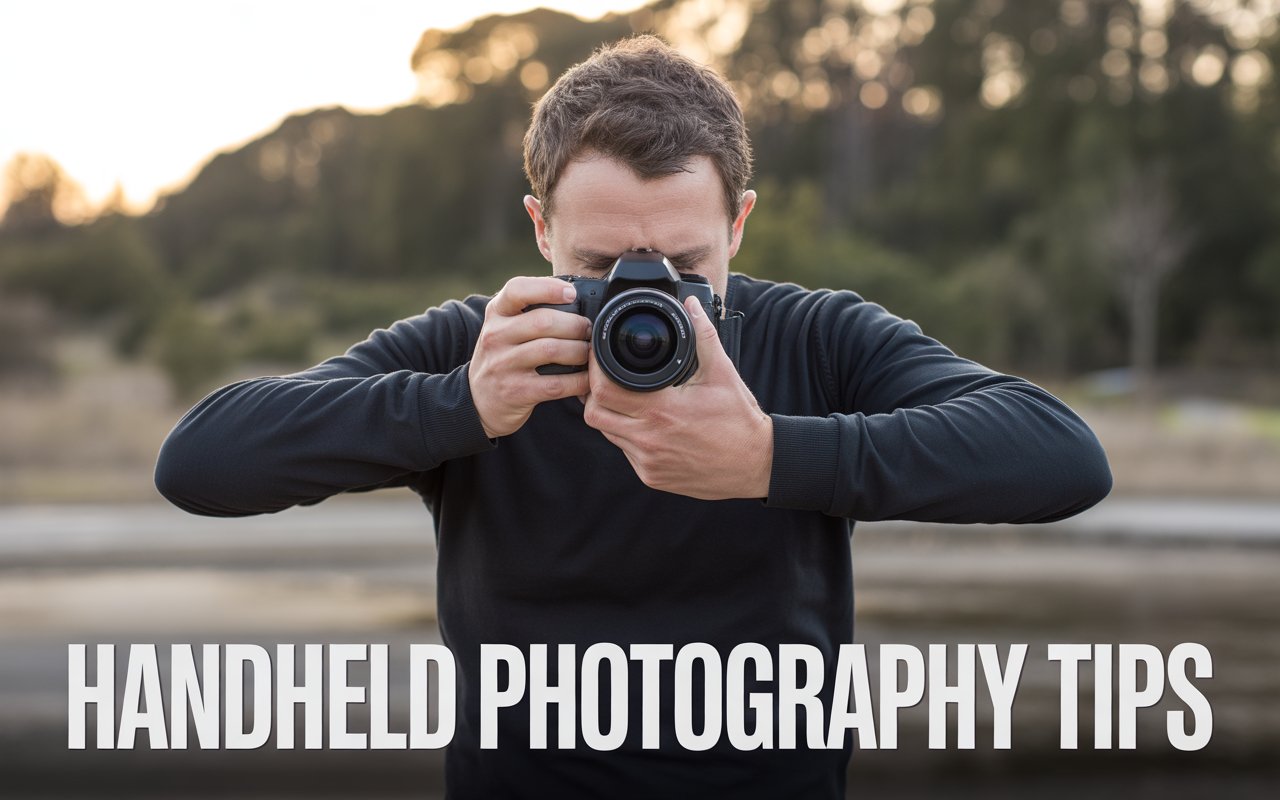
To take sharp photos handheld, use a fast shutter speed, keep your elbows tucked in, support the lens with your left hand, and use burst mode to capture the sharpest frame.
Why Handheld Photos Get Blurry
Handheld photography introduces natural hand movement, which causes a shaky camera effect.
Even small vibrations can reduce sharpness significantly.
The 5-Step Stability Method
1. Proper Grip
Support the lens from underneath for better balance.
2. Elbows In
Your body becomes a stabilizer.
3. Camera Close to Body
Avoid extending arms — it increases shake.
4. Use Fast Shutter Speed
Follow the 1/focal length rule (or faster)
5. Burst Mode
Take multiple shots → choose the sharpest
Best Settings for Sharp Photos
- Shutter speed: Fast (1/100+)
- ISO: Increase if needed
- Aperture: Wider for more light
Common Mistakes
- Holding camera with one hand
- Shooting too slow
- Ignoring posture
For full solution, read: how to fix shaky hands photography