
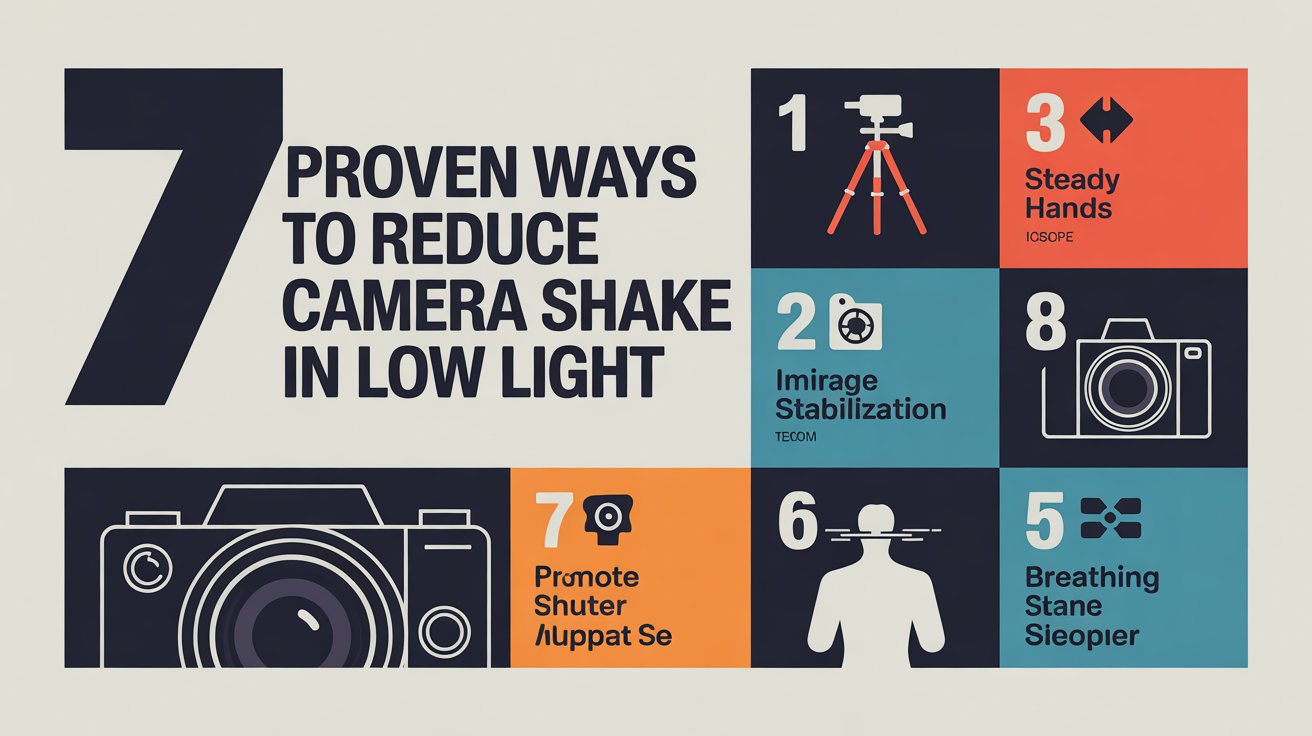
Low light photography can be frustrating.
You line up the shot, tap the shutter, and the result looks soft, blurry, or shaky.
If this keeps happening, your camera usually isn’t the problem.
The real issue is that darker scenes force slower shutter speeds, which makes even tiny movements visible. That movement creates camera shake.
The good news? You can fix it.
In this guide, you’ll learn exactly how to reduce camera shake in low light and take sharper night photos with your iPhone, DSLR, mirrorless camera, or any handheld device.
Quick Answer
To reduce camera shake in low light, increase shutter speed, stabilize your body, use support like a wall or tripod, raise ISO if needed, and avoid zoom. Better light and steadier technique are the fastest solutions.
Why Camera Shake Gets Worse in Low Light
In bright daylight, your camera uses fast shutter speeds.
At night or indoors, it slows the shutter to collect more light.
That means the sensor stays exposed longer, giving your hands more time to move.
Even tiny movements can blur the photo.
👉 This is why night photos often look soft.
If you want the full body-control method, read our guide on how to fix shaky hands photography.
1. Increase Your Shutter Speed First
This is the biggest fix.
A faster shutter gives movement less time to ruin the shot.
Good starting points:
- 24mm lens → 1/60s
- 50mm lens → 1/100s
- 200mm lens → 1/400s
If unsure, go faster.
Learn more in our guide on best shutter speed for sharp photos.
2. Raise ISO (Noise Is Better Than Blur)
Many people fear ISO noise.
But a slightly grainy sharp image is much better than a blurry clean one.
Use higher ISO when needed:
- Indoor photos
- Night street scenes
- Events
Modern phones and cameras handle ISO better than ever.
3. Use a Wider Aperture
A wider aperture lets in more light.
Examples:
- f/1.8
- f/2
- f/2.8
More light = faster shutter speed = sharper handheld photos.
4. Stabilize Your Body Properly
Technique matters more than gear.
Use this stance:
- Hold camera with two hands
- Tuck elbows into ribs
- Keep camera close to face/chest
- Exhale slowly before shooting
This instantly reduces shake.
If you shoot handheld often, read how to take sharp photos handheld.
5. Use Walls, Tables, or Support
You don’t always need a tripod.
Use your environment:
- Lean against a wall
- Rest elbows on a table
- Place phone on a ledge
- Kneel and brace your arms
Free support = free sharpness.
6. Avoid Zoom in Low Light
Zoom magnifies movement.
That means shake becomes much more visible.
Better option:
Move physically closer when possible.
This is especially important on phones using digital zoom.
7. Use Burst Mode
Take 3–5 shots quickly.
Often:
- first frame has button press shake
- middle frame is sharpest
This works great for both phones and cameras.
How to Reduce Camera Shake on iPhone at Night
iPhones often slow shutter speed automatically in dark scenes.
To get sharper photos:
- Use both hands
- Brace against something solid
- Hold still after tapping shutter
- Avoid excessive zoom
- Let Night Mode finish processing
If your phone photos stay soft, read why are my iPhone photos blurry.
Best Low Light Settings for DSLR / Mirrorless
Try this starting setup:
- Mode: Aperture Priority or Manual
- Aperture: widest available
- ISO: 800–3200
- Shutter: as fast as possible
Turn on image stabilization if handheld.
Common Mistakes That Cause Blurry Night Photos
Avoid these:
- Shooting one-handed
- Using slow shutter speeds unknowingly
- Zooming in dark scenes
- Holding breath too tightly
- Moving immediately after tapping shutter
Camera Shake vs Motion Blur at Night
Night blur can come from two things:
Camera Shake
Whole image blurry because YOU moved.
Motion Blur
Only subject blurry because SUBJECT moved.
Read our full guide on camera shake vs motion blur.
FAQ
Why are my night photos blurry?
Usually because shutter speed is too slow and your camera moved.
Should I increase ISO at night?
Yes. Higher ISO often helps keep shutter speed fast enough for sharp images.
Can image stabilization fix low light blur?
It helps with camera shake, but not subject movement.
Why are zoomed night photos worse?
Zoom amplifies small movements and often reduces image quality.